Vision Board

Free Vision Board Templates for 2026

Download free vision board templates for digital and print use. Includes Canva templates, PDF printables, Google Slides options, and 9-scene grid layouts for every goal.

Manifest Mosaic
··Updated April 16, 2026·10 min read
Free Vision Board Templates for 2026

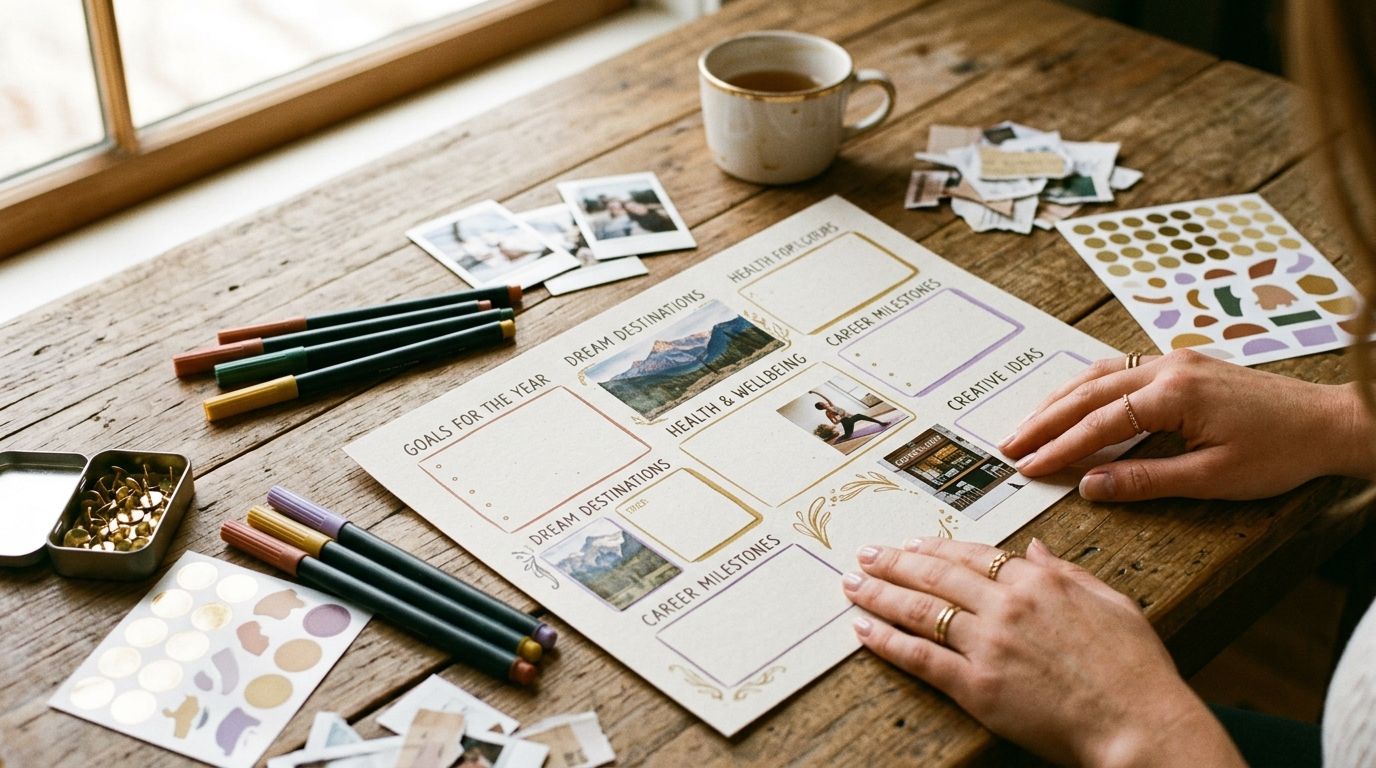
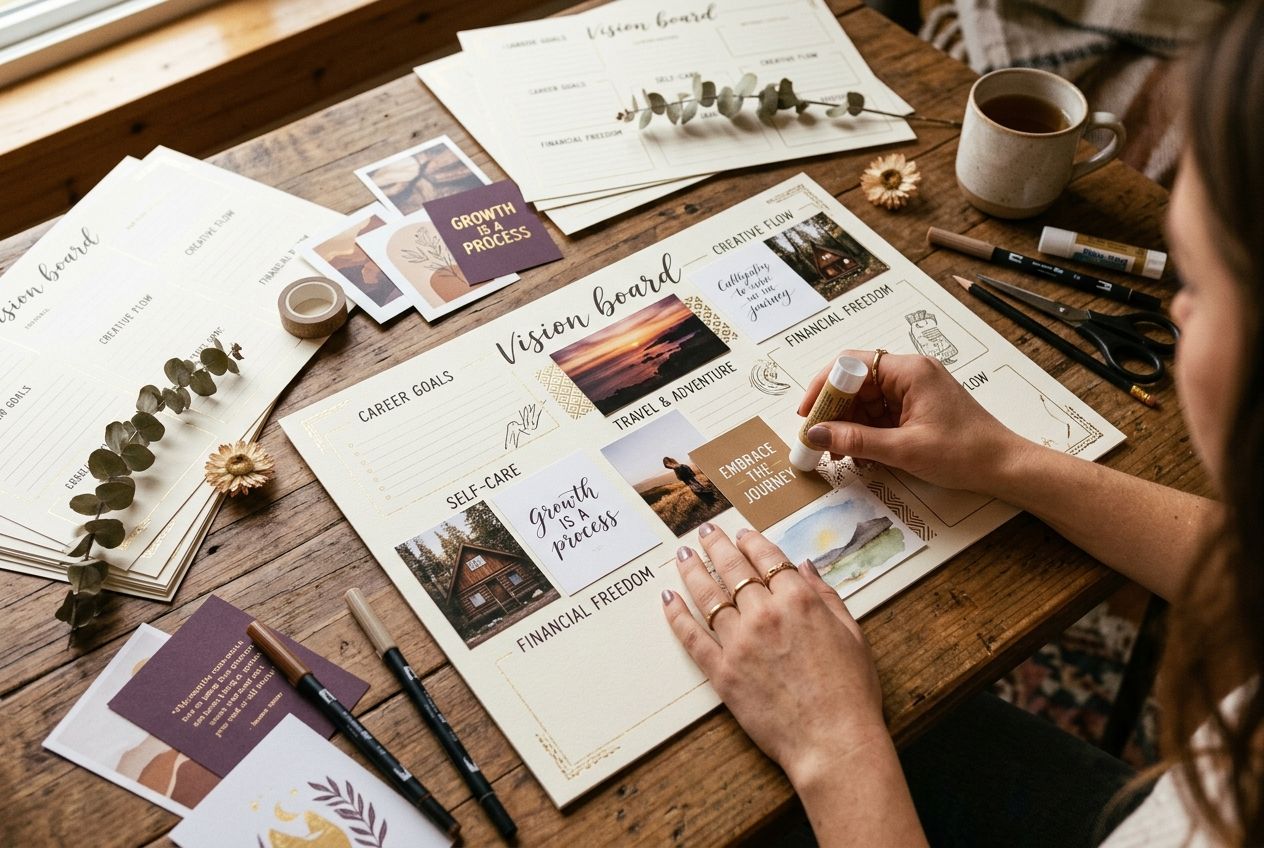
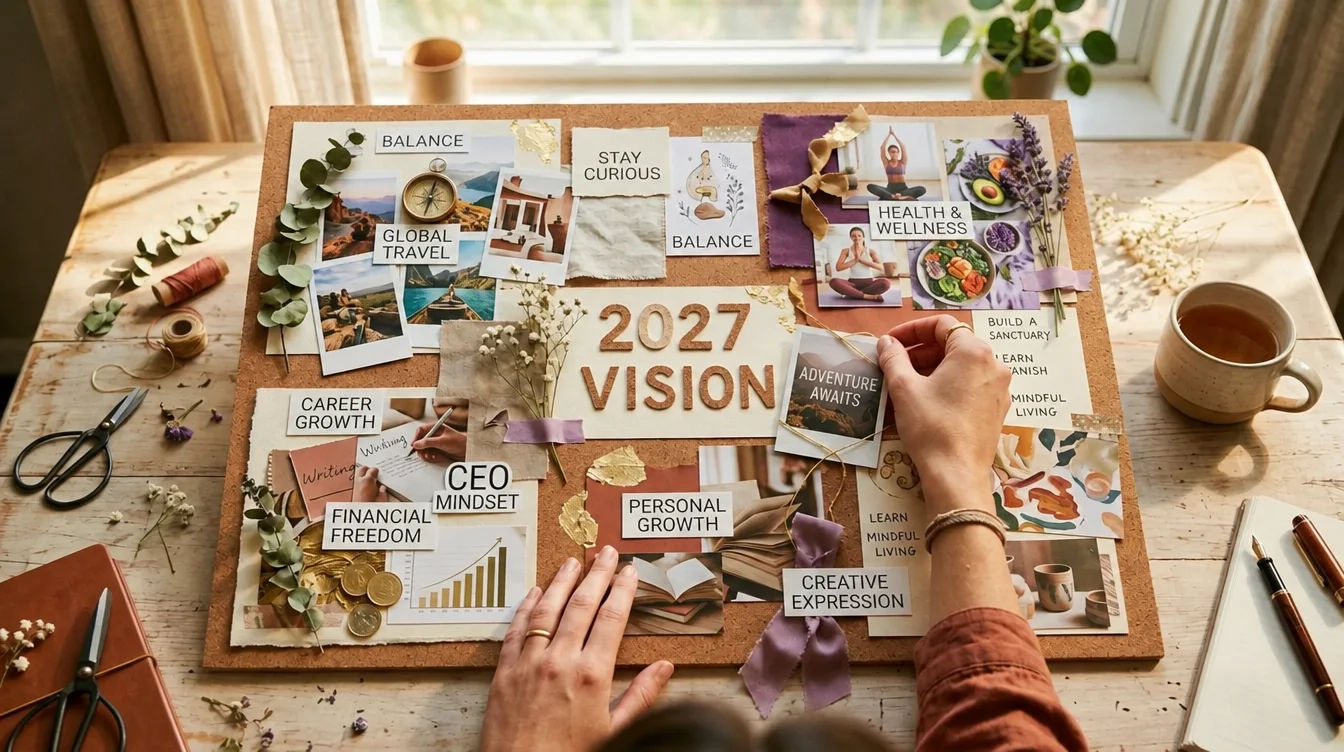
A vision board template is a pre-designed layout that gives you a structured starting point for creating your vision board — eliminating the blank-canvas paralysis that stops most people before they begin. The best templates organize your goals into clear visual categories, use a 9-scene grid that matches your brain's working memory capacity, and come in formats you can customize digitally or print and fill by hand.

Key Takeaways
  • A 3×3 grid template with 9 scenes is the most effective layout for vision boards
  • Canva offers the best free digital templates — fully customizable with drag-and-drop
  • Printable PDF templates work best for hands-on creators who prefer physical boards
  • Google Slides templates are ideal for collaborative or classroom vision boards
  • AI-powered templates on Manifest Mosaic generate photorealistic scenes with your face in them

What Makes a Good Vision Board Template?

A good vision board template does three things: it provides clear visual structure so you know where each goal goes, it leaves enough creative space for personalization, and it uses a layout that your brain can process as a single coherent vision during daily practice.

The most effective templates use a 3×3 grid with 9 scenes. This isn't arbitrary. Cognitive psychologist George Miller established that the brain holds 7±2 items in working memory simultaneously. Nine sits at the upper limit — enough variety to cover career, finances, relationships, health, travel, home, personal growth, and spirituality while keeping the entire board graspable in a 5-minute daily viewing session. During that session, 9 scenes gives you roughly 33 seconds of focused emotional engagement per image. A template with 25 slots gives you 12 seconds each — barely enough to register.

Templates that work well also include:

  • Category labels — small text headers like "Career," "Love," "Health" that organize the grid
  • A center focal point — the most powerful goal or a photo of you goes here (your eye gravitates to center)
  • An affirmation space — room for 1-3 written affirmations alongside the images
  • Consistent aspect ratios — all image slots the same size for visual harmony

For a deeper dive into choosing images and organizing your board, see the complete guide on how to make a vision board.

What Are the Best Free Vision Board Templates on Canva?

Canva offers the largest selection of free vision board templates — over 500 options that you can customize with drag-and-drop editing. Canva templates are ideal because they're instantly editable, export in multiple formats (PNG, PDF, JPG), and can be set as your phone or desktop wallpaper.

How to find and use Canva vision board templates:

  1. Go to canva.com and search "vision board" in the template search bar.
  2. Filter by size. Select "Presentation" (16:9) for desktop wallpaper, "Instagram Post" (1:1) for a square board, or "Poster" for a printable board.
  3. Choose a template that matches your aesthetic — minimalist, colorful, collage-style, or grid-based.
  4. Replace the placeholder images with your own photos. Upload from your device or search Canva's stock library.
  5. Add your affirmations by editing the text boxes. Use present-tense statements like "I am living in my dream home."
  6. Download and set as wallpaper. Export as PNG for highest quality. Set it as your phone lock screen for 96+ daily micro-exposures.

💜 Pro Tip: Search "vision board 3x3" or "vision board grid" on Canva for the structured 9-scene layouts. The generic "vision board" search returns a lot of decorative designs that look pretty but lack the category structure that makes boards effective.

For step-by-step Canva instructions with screenshots, see the Canva vision board tutorial. For ready-made Canva layouts, browse 15 free Canva vision board templates.

What Are the Best Printable Vision Board Templates?

Printable vision board templates are PDF files you download, print at home or at a print shop, and fill with cut-out images and handwritten affirmations. They're ideal for people who prefer the tactile creation ritual — the act of cutting, arranging, and gluing that makes physical boards meditative.

Best printable template formats:

  • 3×3 grid (9 scenes) — the most effective layout. Print at poster size (20×30") and fill each cell with one goal image. Category labels pre-printed in each cell.
  • Category wheel — a circular template with wedges for each life area radiating from a central "vision" hub. More creative, less structured.
  • Collage frame — pre-arranged overlapping frames in various sizes. Best for eclectic, Pinterest-style boards.
  • Minimalist lines — simple bordered sections with space for images and handwritten notes. Clean and focused.

Where to download free printable templates:

  • This page (scroll to downloads section below)
  • Vision board pictures to print — 100+ curated images plus layout templates
  • Pinterest — search "vision board template printable PDF"
  • Etsy — search for premium designed templates ($2-5 range)

Key Insight: Print your template on cardstock (110 lb) rather than regular paper. Cardstock holds up to glue, doesn't wrinkle when wet, and feels substantial — like a real creative project rather than a homework assignment. Most print shops can print poster-sized cardstock for under $5.

For a complete list of everything you need, see the vision board supplies guide.

How Do You Make a Vision Board Template on Google Slides?

Google Slides is a free, collaborative option for creating digital vision boards — especially useful for group activities, classroom projects, or vision board parties where multiple people create boards simultaneously.

  1. Open Google Slides and create a new presentation. Set the slide dimensions to 20×30 inches (File → Page Setup → Custom) for poster size, or keep the default 16:9 for desktop wallpaper.
  2. Create a 3×3 grid using the Table tool (Insert → Table → 3×3). Resize the table to fill the slide. Set cell borders to a light color or remove them entirely.
  3. Add category labels in each cell: Career, Finances, Love, Health, Travel, Home, Growth, Spirituality, and a center cell for your primary goal or self-photo.
  4. Insert images into each cell. Use Insert → Image → Search the web, or upload your own photos. Resize each image to fill its cell.
  5. Add text overlays with your affirmations. Use a clean font like Montserrat or Playfair Display. Keep affirmations short — 5-8 words maximum per cell.
  6. Share or download. Share the link for collaborative editing, or download as PDF/PNG for printing or wallpaper use.

For the complete Google Slides tutorial, see how to make a vision board on Google Slides.

What Are the Best Vision Board Template Apps?

Several apps offer built-in vision board templates with features beyond what Canva or Google Slides provide — like daily reminders, phone widget integration, and AI-powered image generation.

App Best Feature Free Tier Platform
Manifest Mosaic AI generates scenes with your face in them 1 free board iOS, Android, Web
Canva Largest template library (500+) Unlimited boards iOS, Android, Web
Pinterest Infinite image discovery Unlimited secret boards iOS, Android, Web
Visuapp Daily vision board reminders 1 free board iOS, Android
Perfectly Happy Vision board + affirmation tracking Limited free iOS

For a detailed comparison of every option, see the best vision board apps review.

🔮 Aura Says: "Most templates give you a blank grid. I give you a finished board — 9 photorealistic scenes of you living your dream life, generated from your intentions in under 5 minutes. You describe your goals, I create the imagery with your face in every scene. That's the difference between a template and a tool."

How Do You Customize a Vision Board Template?

vision board template — well-designed template showing effective layout principles vision board template — personalization process for vision board templates

The template is the starting point — customization is where the manifestation power comes in. A generic template with stock images won't activate your reticular activating system. A deeply personalized board with specific images, exact numbers, and emotional affirmations will.

  1. Replace every placeholder image with a photo that creates a physical emotional response. Use the 3-second test: if you don't feel something in your chest within 3 seconds, find a different image.
  2. Add specific numbers. Don't just put a house photo — add "$450,000" or "3 bedrooms, red front door, Portland." Your RAS needs a specific target, not a vague category.
  3. Write affirmations in your own words. Template affirmations like "Dream Big" are meaningless to your subconscious. Write what YOU actually feel: "I am signing the lease on my studio apartment and it feels like freedom."
  4. Include a photo of yourself. Place it in the center of the board. When you see your own face surrounded by your goals, your mirror neurons fire as if you're already living that life. This is why Manifest Mosaic puts your face in every AI-generated scene.
  5. Update monthly. A stale template with achieved goals loses its emotional charge. Swap out completed goals for new ones. The board should always represent your current edge of growth.

For 50+ ideas on what to put on your board, see vision board ideas. For image sourcing, browse the vision board pictures collection.

Which Vision Board Template Format Is Best for You?

Vision Board Template Format Comparison

Template FormatBest ForKey FeatureFree TierPlatformIdeal Layout
CanvaTech-comfortable users wanting phone or desktop wallpaperLargest template library (500+), drag-and-drop editingUnlimited boardsiOS, Android, Web3x3 grid, presentation, or square post
Printable PDFHands-on creators who prefer physical boardsTactile creation ritual; print at poster size (20x30")Free downloads availablePrint (home or print shop)3x3 grid, category wheel, or collage frame
Google SlidesGroup activities, classrooms, or collaborative editingReal-time collaboration and shareable linksUnlimited boardsiOS, Android, Web3x3 grid via Table tool
Manifest MosaicUsers wanting AI-generated scenes with their own faceAI generates photorealistic scenes with your face in every scene1 free boardiOS, Android, Web9 AI-generated scenes
PinterestDiscovery phase — collecting images before committing to a layoutInfinite image discoveryUnlimited secret boardsiOS, Android, WebFreeform collection
VisuappUsers who want daily reminders tied to their boardDaily vision board reminders1 free boardiOS, AndroidNot stated

The best template format depends on how you'll interact with your board daily and which creation experience you enjoy most.

  • Choose Canva if you're tech-comfortable, want unlimited customization, and plan to use your board as a phone or desktop wallpaper.
  • Choose printable PDF if you enjoy hands-on creative projects, want a physical board on your bedroom wall, and find the cutting-and-gluing process meditative.
  • Choose Google Slides if you're creating a board with a group, in a classroom setting, or want easy collaborative editing.
  • Choose Manifest Mosaic if you want AI-generated photorealistic scenes with your face in them — the highest-impact visual format available, created in under 5 minutes from your written intentions.
  • Choose Pinterest if you're still in the discovery phase and want to collect hundreds of images before committing to a layout.

All formats work. The format that works BEST is the one you'll actually look at every morning for 2-5 minutes. If your printed board sits behind a closet door you open once a week, a phone wallpaper would serve you better. If your digital board gets lost among 47 browser tabs, a physical board on the wall facing your bed is the answer.

For more on the digital vs physical debate, see digital vision board guide.

Create your AI vision board free →


Sources & Methodology

Dr. Gail Matthews, Dominican University — Goals Research Summary — Research demonstrating that written and visual goal-setting increases achievement rates by 42%.

Canva — Free Vision Board Templates — Primary source for digital template options and customization.

Google Workspace — Google Slides Help — Reference for slide creation and custom dimensions.

Methodology: This guide evaluates vision board templates based on layout effectiveness, customization depth, accessibility, and alignment with cognitive psychology research on visual goal-setting. Template recommendations are based on hands-on testing. All source URLs verified as of April 2026.


Sources & Methodology

This article draws on peer-reviewed research in psychology, neuroscience, and behavioral science. Where specific studies are cited, links to the original papers or trusted summaries are provided inline.

Frequently Asked Questions

Canva offers hundreds of free vision board templates you can customize instantly. You can also download free printable PDF templates from this page, use Google Slides templates, or create an AI-powered board on Manifest Mosaic.

Standard physical boards are 20x30 or 24x36 inches. Digital templates work best at 1920x1080 pixels for desktop wallpaper or 1080x1920 for phone wallpaper. Nine scenes is the ideal number of images.

Yes. Canva's mobile app has vision board templates you can edit on your phone. You can also use Pinterest to arrange images or Manifest Mosaic to generate AI vision boards directly from your phone.

A 3x3 grid with 9 images is the most effective layout. It matches the upper limit of working memory capacity, giving you enough variety to cover all life categories while maintaining emotional depth per scene.

Your future self is waiting.
Meet Aura.

Join thousands already visualising their future every day. Your first vision board is free — no credit card required.

Free forever. No credit card needed.

Related Articles