Best Vision Board Apps (Honest Picks)

Looking for a vision board app? Compare Vision Board ++, Canva, Pinterest and paper, see what is free, what the research says, and how to build a 2027 board.

Best Vision Board Apps (Honest Picks)
In this guide 11 sections
  1. 01What Is the Best Vision Board App? (Quick Picks)
  2. 02How Did We Pick These Apps (and What Did We Not Test)?
  3. 03Do Vision Boards Actually Work? What the Research Says
  4. 04Is There a Free Vision Board App?
  5. 05What Is the Best Vision Board App for iPhone?
  6. 06Digital, Online or Paper: Which Vision Board Is Better?
  7. 07Are Paid Vision Board Apps Worth It?
  8. 08How Do You Make a Digital Vision Board for 2027?
  9. 09Where Does Manifest Mosaic Fit?
  10. 10What Mistakes and Myths Should You Avoid?
  11. 11Sources & Methodology

A vision board app is a phone or web tool that lets you collect pictures, words and goals on one screen so you see what you want every day. The best vision board app is the one you open often. For most people that means Vision Board ++ on iPhone, or Canva on any device.

Here is the plain version: the app matters less than what you do with the board. If you have not yet chosen what belongs on it, start with our guide to how to manifest in 2027. This guide compares the main options fairly, shows what is free, and explains what research says about vision boards, so you can pick one and build your 2027 board this week.

Key Takeaways
  • Vision Board ++ is a popular iPhone pick, Canva is the flexible free option, and paper still works
  • We checked store listings and vendor pages on 29 September 2026. We did not hands-on test every app
  • Research favors boards that pair pictures with steps and someone who checks in on you
  • Prices, ratings and free tiers change, so confirm the current terms before you pay
  • Manifest Mosaic is a website, not an app, and we list it here with that disclosure

What Is the Best Vision Board App? (Quick Picks)

The best vision board app depends on your phone and how much you want to design. Vision Board ++ suits iPhone users who want a ready-made layout. Canva suits anyone who wants a free, flexible editor. Pinterest suits idea collecting. Paper suits people who want a screen-free board.

Here are our picks by need, with the date checked (29 September 2026):

  1. Best for iPhone: Vision Board ++ (Hero21). Listed on the US App Store as free with in-app purchases, with a 4.9 rating from about 3K ratings.
  2. Best free and flexible: Canva. A free vision board maker with a drag-and-drop editor and more than 3 million free stock photos and graphics, according to Canva's own page.
  3. Best for gathering ideas: Pinterest. Good for saving pictures before you build. We did not check its current terms for this list.
  4. Best for a freeform canvas: Milanote. A free-form board tool. We did not verify its current free limits.
  5. Best low-tech pick: paper and a printer. No login, no ads, no auto-renewing plan.

Disclosure: we make Manifest Mosaic, a website (not an app) that turns your wishes into photos of you. It is one option, covered near the end. Many "best of" lists are written by the companies they rank, so we say this up front.

How Did We Pick These Apps (and What Did We Not Test)?

We picked apps by six things: free tier, iPhone and Android support, export, reminders or widgets, privacy, and how clear the paywall is. We relied on store listings and vendor pages checked on 29 September 2026. We did not hands-on test every app, and we say so.

That matters, because many rankings claim "tested" without showing how. Here is our honest method:

  • What we used: the App Store listing for Vision Board ++, Canva's vision board page, and public descriptions of the other tools.
  • What we did not do: run each app for weeks, or verify every price. Where a detail was not confirmed, the comparison says so.
  • What you should do: check the price, trial length and cancel steps on the day you download.

If a claim in this article is not backed by a source or a date, treat it as opinion. We label opinions as opinions.

Do Vision Boards Actually Work? What the Research Says

A vision board helps as a reminder and a clarifier, not as a magnet. Research suggests that picturing the steps you will take helps more than picturing only the happy ending, and that writing goals down and sharing progress helps too. Pictures alone do not do the work.

Vision board app research: a man on a city balcony comparing his picture board with a list of weekly steps

Here is what we can say, and what we cannot:

  • Picturing the process helped. In a 1999 study, Pham and Taylor had college freshmen picture either the process of doing well (good study habits), the outcome (a good grade), or both, for 5 to 7 days before a midterm. Picturing the process led to more studying and better grades. Picturing only the outcome did not.
  • Pure happy daydreaming can backfire. In four experiments, Kappes and Oettingen (2011) found that inducing positive fantasies about the future produced less energy than questioning, negative or neutral fantasies. This is one small line of research, but it is a fair warning about boards that show only the finish line.
  • Writing goals and sharing progress helped. In a small study by Gail Matthews at Dominican University, presented at a conference and not peer-reviewed, 149 people finished a four-week goal study. Those who wrote goals, made action commitments and sent weekly updates to a friend achieved the most (study summary). In the summary Matthews published, 76% of the update-sending group reached or got more than halfway to their goals, versus 43% of those who did not write them down. Achievement was self-reported, so read it as encouraging, not proof.
  • The "3% of Yale graduates" story is a myth. You may have read that 3% of a class wrote down goals and earned ten times more twenty years later. Matthews and a Harvard social psychologist looked for it and found no such study.

The idea that a board "attracts" outcomes comes from the New Thought tradition, usually called the law of attraction. It is a belief, and Wikipedia notes there is no empirical scientific evidence for it. You can enjoy the ritual and still rely on steps. For a longer look, read do vision boards work.

Is There a Free Vision Board App?

Yes. Canva offers a free vision board maker, and Vision Board ++ is listed as free with in-app purchases. Pinterest and Milanote also have free ways to start. What is free varies, and features often move behind a paywall, so read the current plan before you invest time.

Here is a realistic view of "free":

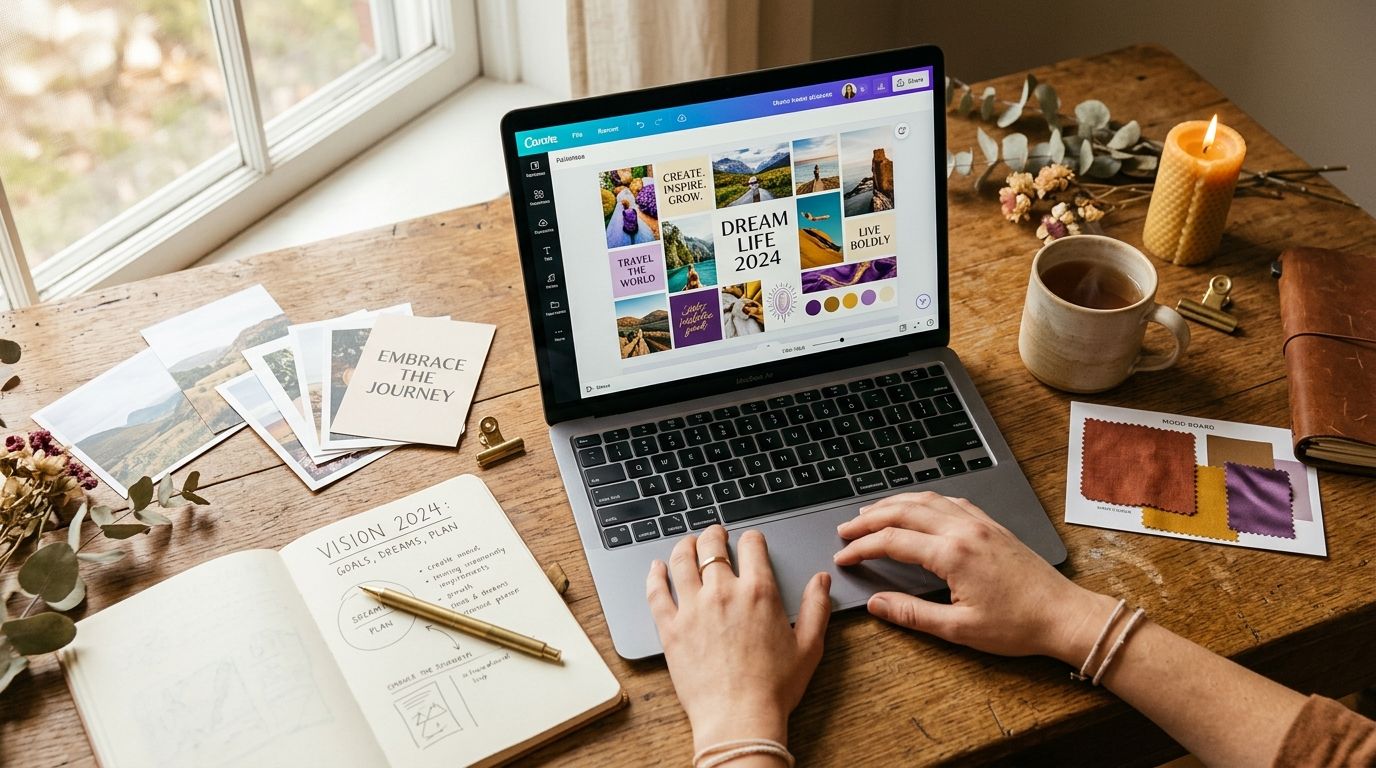
  • Canva: the vision board maker is free to use, with a drag-and-drop editor and a large free library of photos and graphics. Canva also lets you invite others to design together, which helps if you want a shared board. Check the current free-plan limits before you commit. Our full walkthrough is in how to make a vision board in Canva.
  • Vision Board ++: free to download on iPhone, with in-app purchases. Its listing mentions iCloud sync and custom colors and backgrounds in the subscription copy, which suggests those extras are paid.
  • Pinterest and Milanote: good for collecting and arranging pictures. We did not verify their current free limits for this list.
  • Your phone's photo album: save your chosen pictures to one album and set your favorite as a wallpaper. This costs nothing and needs no login.

A simple test before you pay: build a small board with the free version first. If you would have finished it without the paid features, you probably do not need them.

What Is the Best Vision Board App for iPhone?

Vision Board ++ (by Hero21) is a popular iPhone choice. Its US App Store listing shows a 4.9 rating from about 3K ratings, a 4+ age rating, and a requirement of iPhone 6s or later. Canva's iPhone app is a strong alternative if you want more design freedom.

Here is how the iPhone options compare, based on listings and vendor pages:

  • Vision Board ++: ready-made board layouts in the Lifestyle category, about 213 MB in size. Free with in-app purchases.
  • Perfectly Happy: also listed in app stores as a vision board app. We did not verify its price or features.
  • Vision Board 2027: a listing built around the Bagua map, a feng shui layout. Feng shui is a tradition, and we know of no evidence that a layout changes outcomes. Some store reviews mention limited customization.
  • Canva: more design control, but a steeper learning curve than a ready-made layout.

Store reviews for vision board apps in general mention crashes when customizing, items disappearing, and limited options even for paying users. Reviews change often, so read the latest ones before you buy.

For any of these, the lock screen is where a digital board earns its keep. Export your board as an image and set it as your wallpaper (here is a full guide to a vision board wallpaper for your phone). You will see it dozens of times a day without opening anything. On iPhone, Apple's subscription guide shows where to manage any trial you start.

Vision board options side by side (checked 29 Sep 2026)

OptionWhere it runsFree tierBest forWatch out for
Vision Board ++ (Hero21)iPhone (iPhone 6s or later)Free with in-app purchasesA ready-made board on iPhoneExtras like iCloud sync appear to be paid; some store reviews mention limits
CanvaWeb and phoneFree vision board makerFull design control, shared boardsCheck current free-plan limits
Perfectly HappyApp storesNot verifiedA dedicated vision board appWe did not verify price or features
Vision Board 2027App storesNot verifiedBagua-map (feng shui) layoutsLayout is tradition, not proven; some reviews note limited customization
PinterestWeb and phoneNot verified for this listCollecting pictures and ideasEasy to save and never act
MilanoteWebFree plan has limits (verify)A freeform canvasCheck free limits before you build
Paper and a printerYour wallLow costA private, screen-free boardOnly seen at home
Manifest Mosaic (website)Web, not an appFirst photo free; full board $19 once, no subscriptionPhotos of you living your 2027, plus 30 lettersMade by us; not a plan on its own

Digital, Online or Paper: Which Vision Board Is Better?

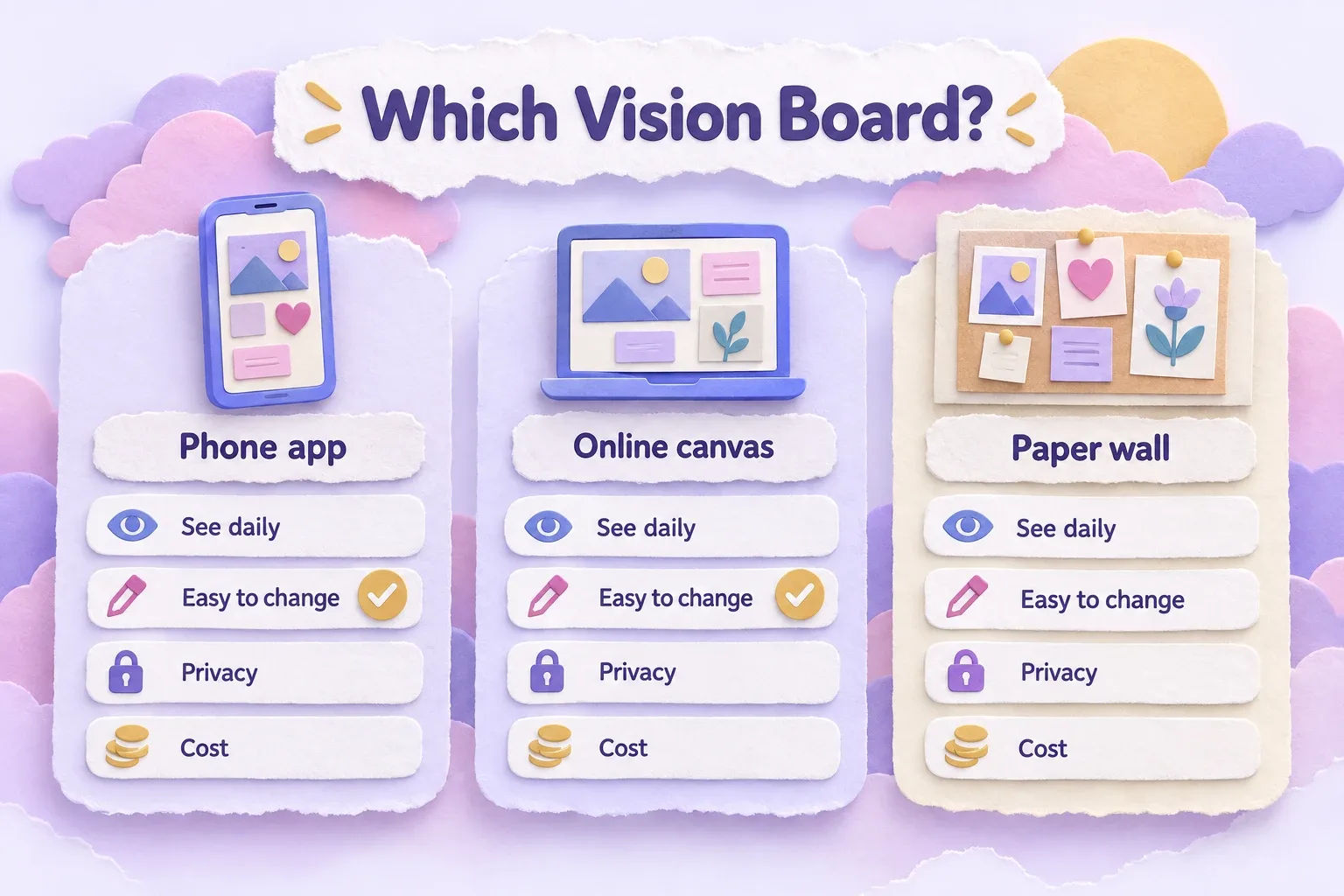
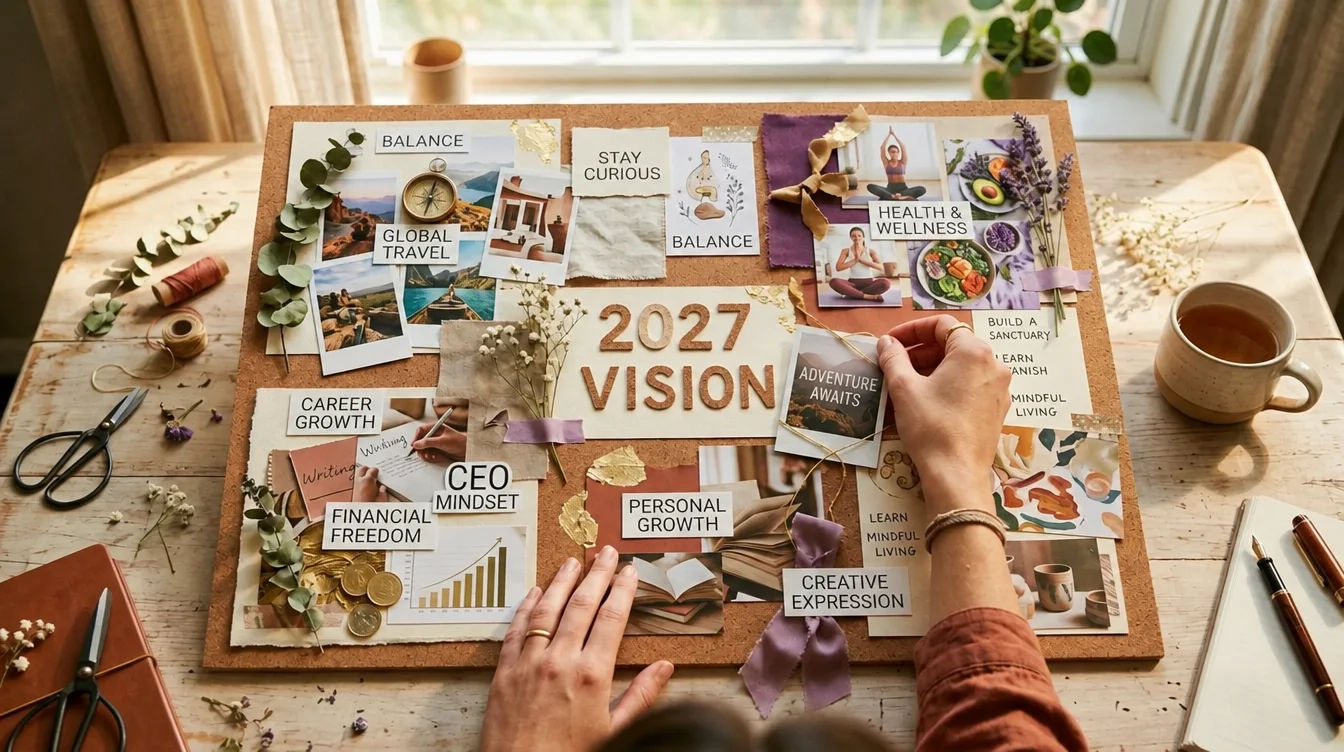
None of them is proven better. What matters is that you see the board often and connect it to action. A digital board wins on convenience and editing, an online canvas wins on flexibility, and paper wins on privacy and ritual. Choose the format you will actually look at.

Vision board app comparison: paper-craft chart of phone app, online canvas and paper wall boards
Format Easy to see daily Easy to change Privacy Cost
App on your phone Yes, as a wallpaper Yes Depends on the app's policy Free to paid
Online canvas (Canva, Milanote) Yes, if exported Yes Depends on the account Free to paid
Paper on a wall Only at home Harder High Low

Some people make both: a paper board for the ritual and a phone copy for the day. If you are deciding between a screen and a wall, our guides to a digital vision board and how to make a vision board cover both.

Are Paid Vision Board Apps Worth It?

Sometimes, but only if a paid feature solves a problem you actually have. Many people find a free canvas plus a phone wallpaper covers their needs. That is our opinion, not a measured fact. Before paying, run through the checklist below.

Before you subscribe, check:

  1. The trial. How long is it, and does it auto-convert to a paid plan?
  2. The price period. Is the price shown per week, per month or per year? Weekly prices add up fast.
  3. How to cancel. On iPhone, subscriptions are managed in your Apple ID settings. On Android, in Google Play. Set a reminder before the trial ends.
  4. What is locked. Note which features you use most and confirm they are in the plan you pick.
  5. Your photos. Read the privacy policy. Personal photos are sensitive, so know where they are stored and whether they sync to a cloud account.

If a board mostly needs to look good and sit on your lock screen, free tools do that well. Pay only when something specific, like sync across devices, is worth it to you.

How Do You Make a Digital Vision Board for 2027?

To make a digital vision board for 2027, review 2026, pick three to five themes, collect one picture per theme, add a small next step under each, write your goals down, and set a monthly check-in. Then set the board as your lock screen. It takes about an hour.

Vision board app tips: a couple in their sixties sorting photos on a cushion-covered living-room floor

Here is the process, tied to the research above:

  1. Look back at 2026. Write three things that worked and three that did not. This keeps your board honest.
  2. Pick three to five themes. Health, work, home, a relationship, a trip, a skill. Fewer themes keep the board readable on a small screen. Our goals for 2027 guide can help you choose, and the list of new year's resolutions for 2027 has 101 ideas if you are stuck.
  3. Collect one picture per theme. Save them to one folder or board. Choose pictures that make you feel something, not just ones that look pretty.
  4. Add one or two process steps to each. Under a "run a 10K" picture, write "run twice a week, first run Sunday." This is the Pham and Taylor lesson: picture the steps, not only the finish.
  5. Write the goals down. Put a sentence under each picture, in your own words, with a date.
  6. Pick one person to tell. Send them a short progress update each week or month. That mirrors the part of the Matthews study that did best.
  7. Set a monthly check-in. Put ten minutes in your calendar on the first of each month. Ask what moved, what stalled and what to change.
  8. Put it where you will see it. Export the board and set it as your lock screen.

If you would rather start from a layout than a blank screen, browse these free vision board templates for 2027. If you want words to go with the pictures, the affirmation generator can help you write short lines in your own voice. For a bigger walkthrough, see how to make a 2027 vision board.

Two made-up examples show the difference:

  • Imagine you want to change jobs. Your picture is an office you like. Under it you write "update resume by Oct 15; two applications a week." The picture sets the feeling and the note sets the action.
  • Imagine you want to save for a trip. Your picture is a beach town. Under it you write "move $100 on payday" and send a friend a one-line update each month. Someone gently watching makes it easier to keep going.

Where Does Manifest Mosaic Fit?

Manifest Mosaic is a website, not an app you download. You write what you want from 2027, add one selfie, and get photos of you already living it. The full board is nine photos, a print-ready poster, phone wallpapers and three free swaps. It also adds 30 morning letters from your future self, one a day.

The first photo is free. The full board is $19, paid once, with no subscription. You can try the free picture at Manifest Mosaic without paying.

How it relates to the tools above: think of it as a picture-making layer. You can use the wallpapers on your lock screen, or drop the photos into Canva or Vision Board ++. The letters add the written part that a static board lacks, which fits the "picture the steps" idea from the research. It is not a replacement for a plan, and it does not promise any result. The photos show a possible future. What you do next is up to you.

If you want to give it to someone, you can send a gift. They open an envelope on the day you pick and add their own selfie. If you like the "future self" idea, read about the letter from your future self, or how to see your future self in a picture without guessing.

What Mistakes and Myths Should You Avoid?

Avoid four things: believing the board works by itself, quoting the Yale 3% story, packing on too many images, and picturing only the happy ending. A board helps when it is short, specific, visible and paired with steps you take.

  • "The board attracts things on its own." This is a belief from the New Thought tradition, which grew from teachers like Phineas Quimby in the early 19th century. Prentice Mulford wrote about the law of attraction in the 1880s, and the idea reached wider audiences through books like Think and Grow Rich (1937) and the 2006 film The Secret. Enjoy it as a tradition, not a guarantee.
  • The 3% Yale story. It was never a study. Skip it.
  • More images are better. They are not. Five clear pictures beat thirty blurry ones.
  • Only the finish line. Add a step. Kappes and Oettingen's findings are a reason to.
  • Money promises. Wikipedia notes that manifestation beliefs have been linked to higher financial risk-taking. A board is not a budget.

Vision boards and affirmations are a mindset practice, not a substitute for medical, mental-health or financial advice.

See yourself living it in 2027 โ€” make your first picture free โ†’

Sources & Methodology

Pham & Taylor (1999), "From Thought to Action: Effects of Process-Versus Outcome-Based Mental Simulations on Performance," Personality and Social Psychology Bulletin โ€” students who pictured the process improved their grades; outcome-only pictures did not.

Kappes & Oettingen (2011), "Positive fantasies about idealized futures sap energy," Journal of Experimental Social Psychology โ€” four experiments found positive fantasies produced less energy.

Matthews, "The Impact of Commitment, Accountability, and Written Goals on Goal Achievement," Dominican University of California โ€” a small conference study on written goals and weekly updates.

Vision Board ++ Maker Manifest, App Store listing โ€” price model, rating and requirements, as listed on 29 September 2026.

Canva, "Free Online Vision Board Maker" โ€” the free maker and its stock library, as described by Canva.

Apple Support, "Cancel a subscription from Apple" โ€” where to view and manage subscriptions and trials on iPhone.

Methodology: app details come from store listings and vendor pages checked on 29 September 2026, not from hands-on testing. Ratings and prices change often, so confirm them before you download. Research is described in plain terms and its limits are stated. The law of attraction is presented as a belief tradition, per its Wikipedia entry.


Questions

Frequently asked questions

It depends on your phone and your goal. Vision Board ++ is a popular iPhone pick, Canva is a flexible free maker on phone and web, and Pinterest is good for collecting ideas. The best one is the one you will open every week.

Yes. Canva offers a free vision board maker, and Vision Board ++ is listed as free with in-app purchases. Free versions usually limit some features, so check the current plan and any trial terms before you rely on one.

There is no strong evidence that one format beats the other. A digital board is easy to edit and can be your phone wallpaper. A paper board is private and tactile. Pick the one you will actually see every day.

Yes. You can use an app like Vision Board ++ or Canva, or build a simple photo collage and set it as your lock screen. Keep it to three to five goals so the pictures stay readable on a small screen.

Three to five themes is a good range. Fewer goals keep your attention on what matters, and each one can get a picture plus a small next step. A crowded board is harder to read and easier to ignore.

Your first picture is free

See yourself in 2027.

Write what you want from next year, add one selfie, and see a photo of you already living it. Then turn all nine wishes into your board.